Elden Ring Offline Interactive Map
A downloadable map for Windows
**[Open Source & GitHub]**
The full source code for this utility is now completely open-source. You can verify the code, check the build instructions, or download the latest releases directly from the official GitHub repository:
https://github.com/CreateDDy/EldenRing-Interactive-Map
My boosty:
https://boosty.to/createdd/
# EldenInteractiveMap
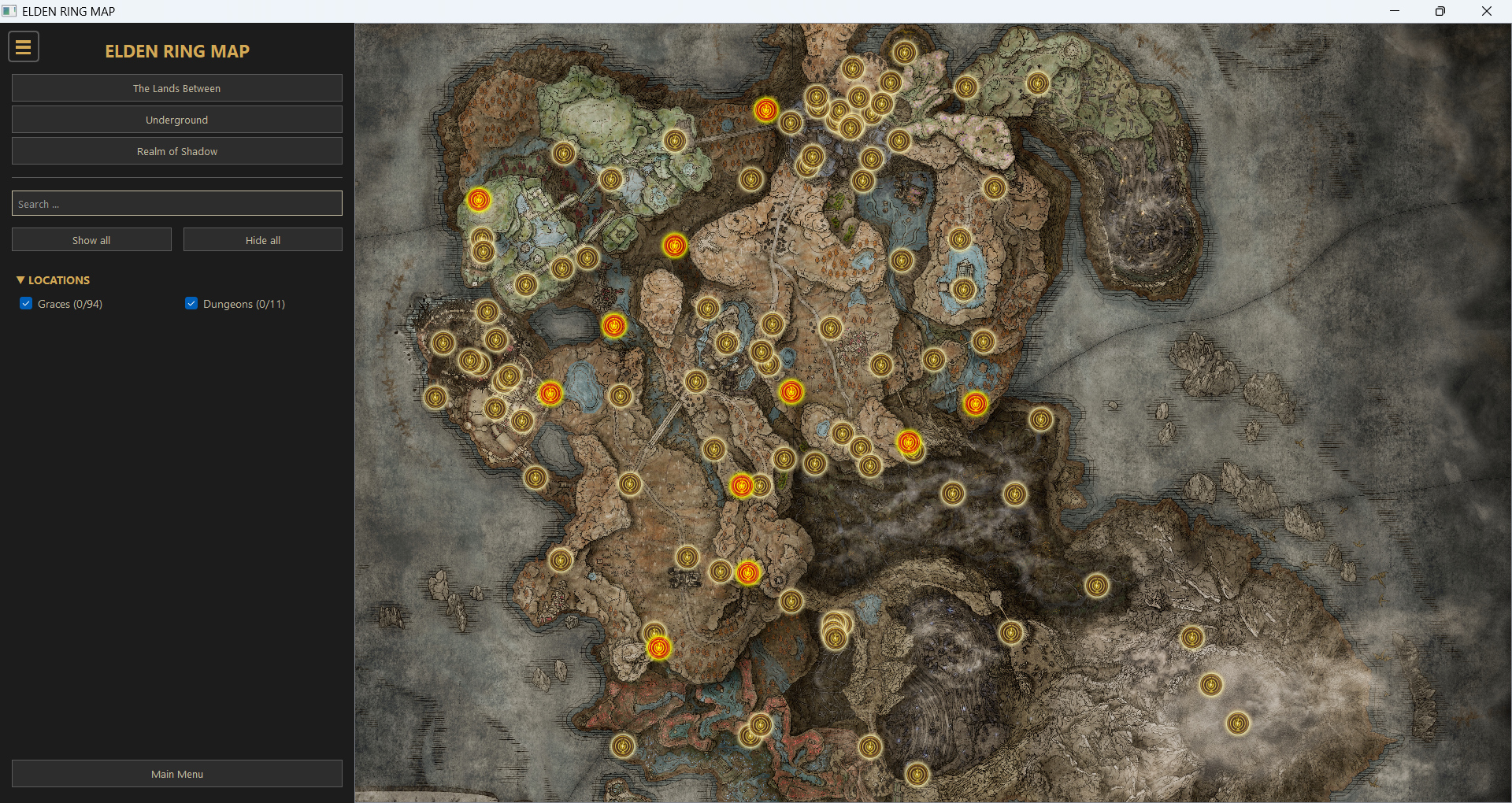
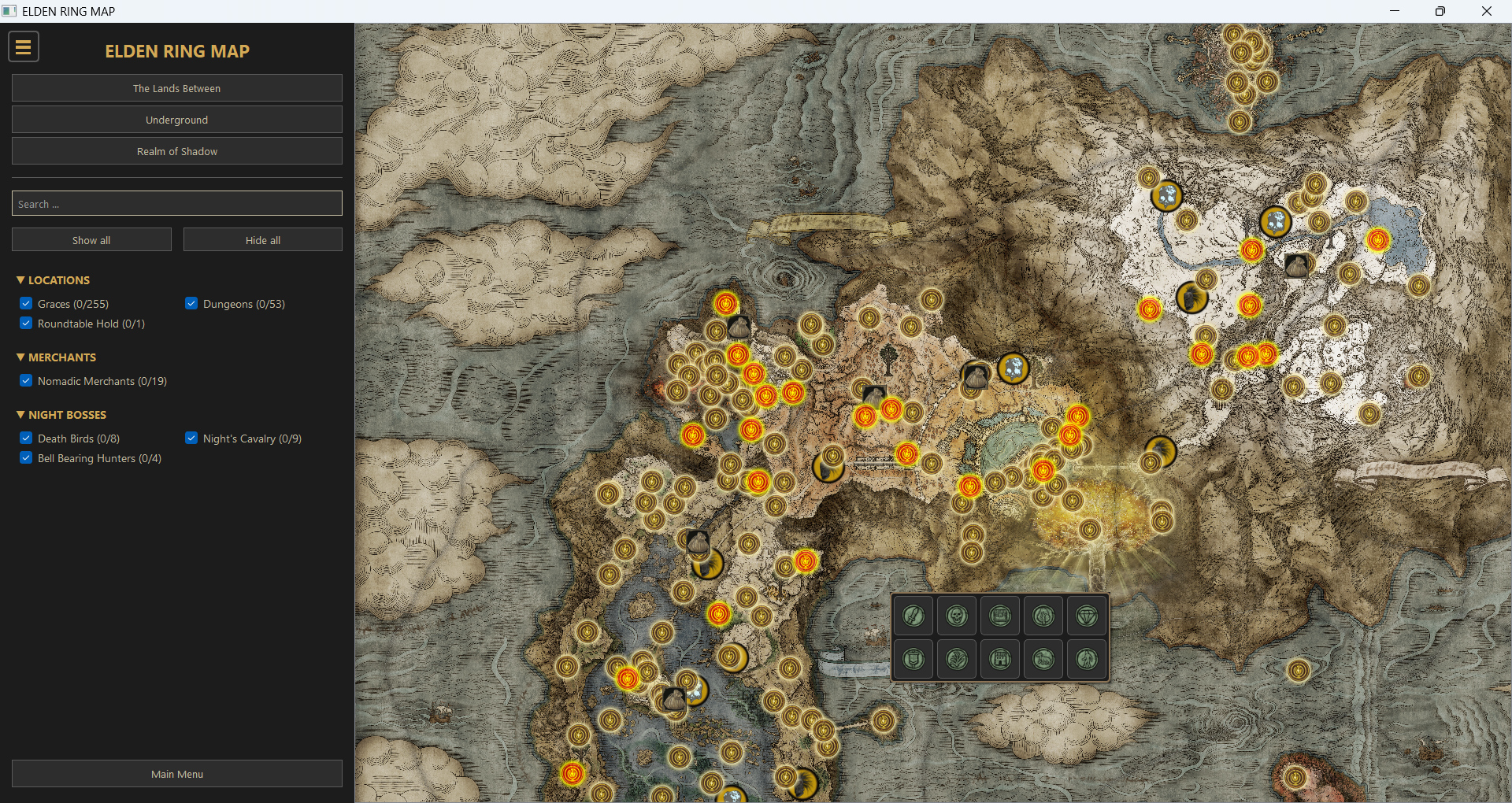
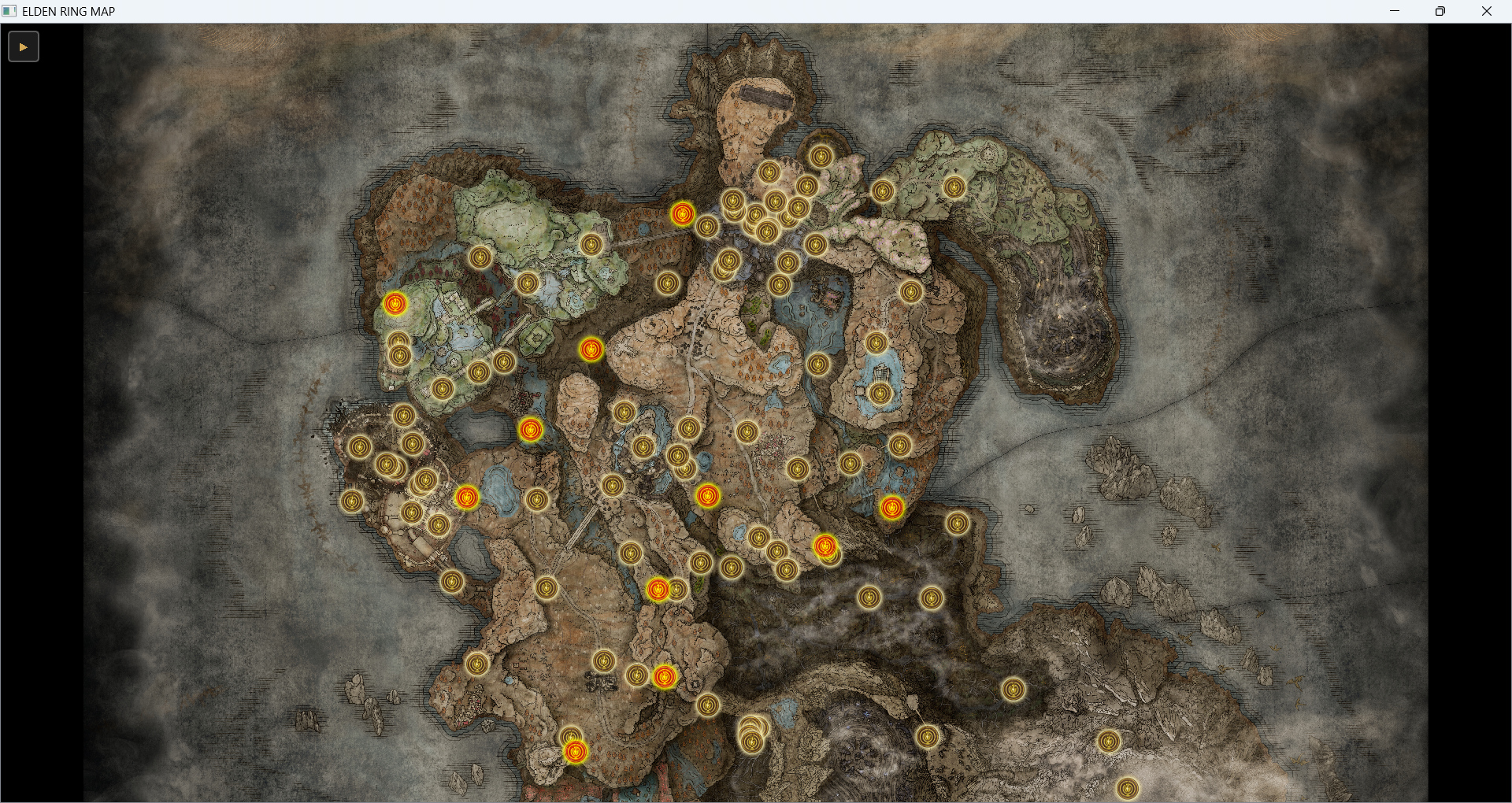
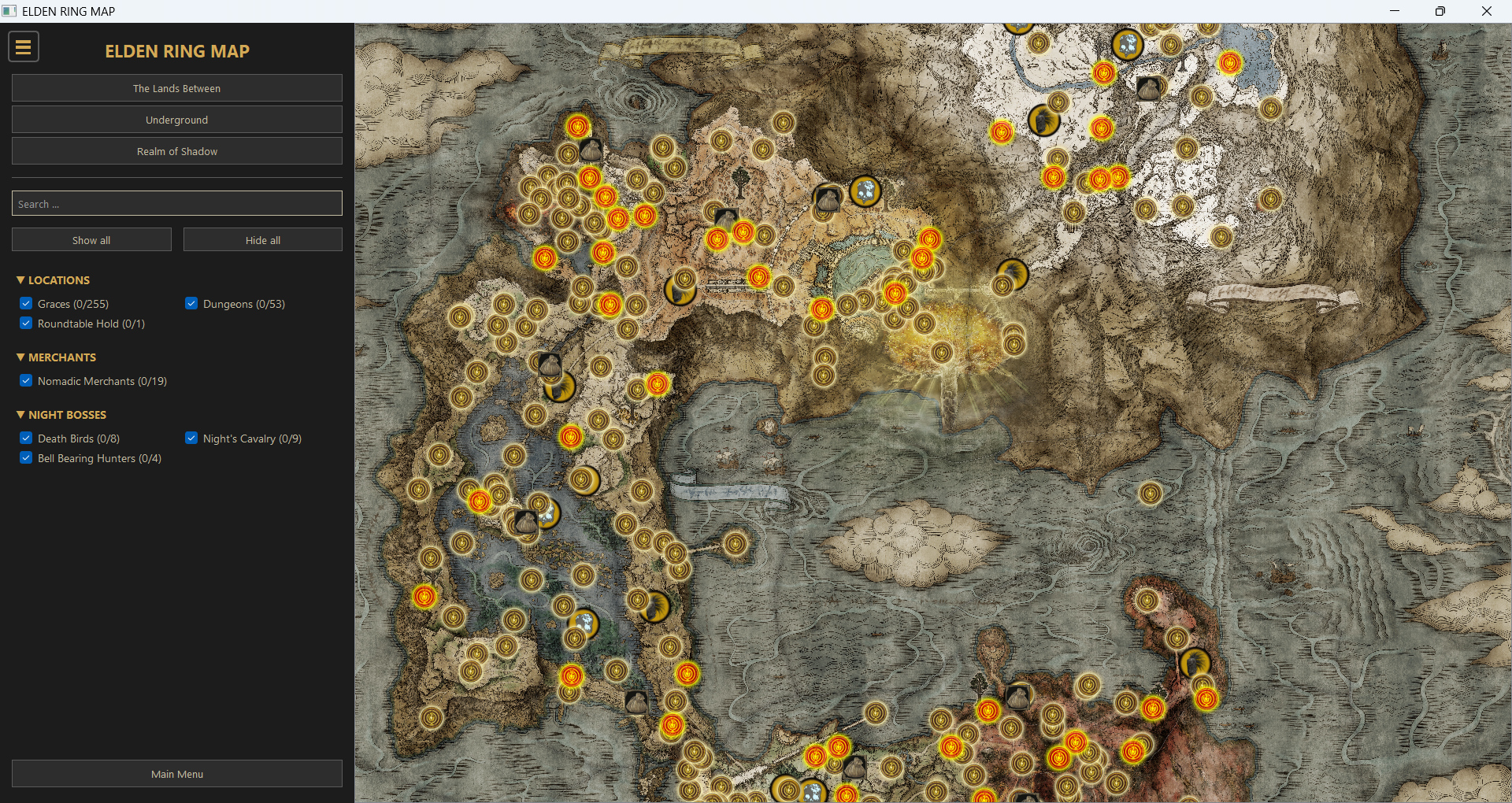
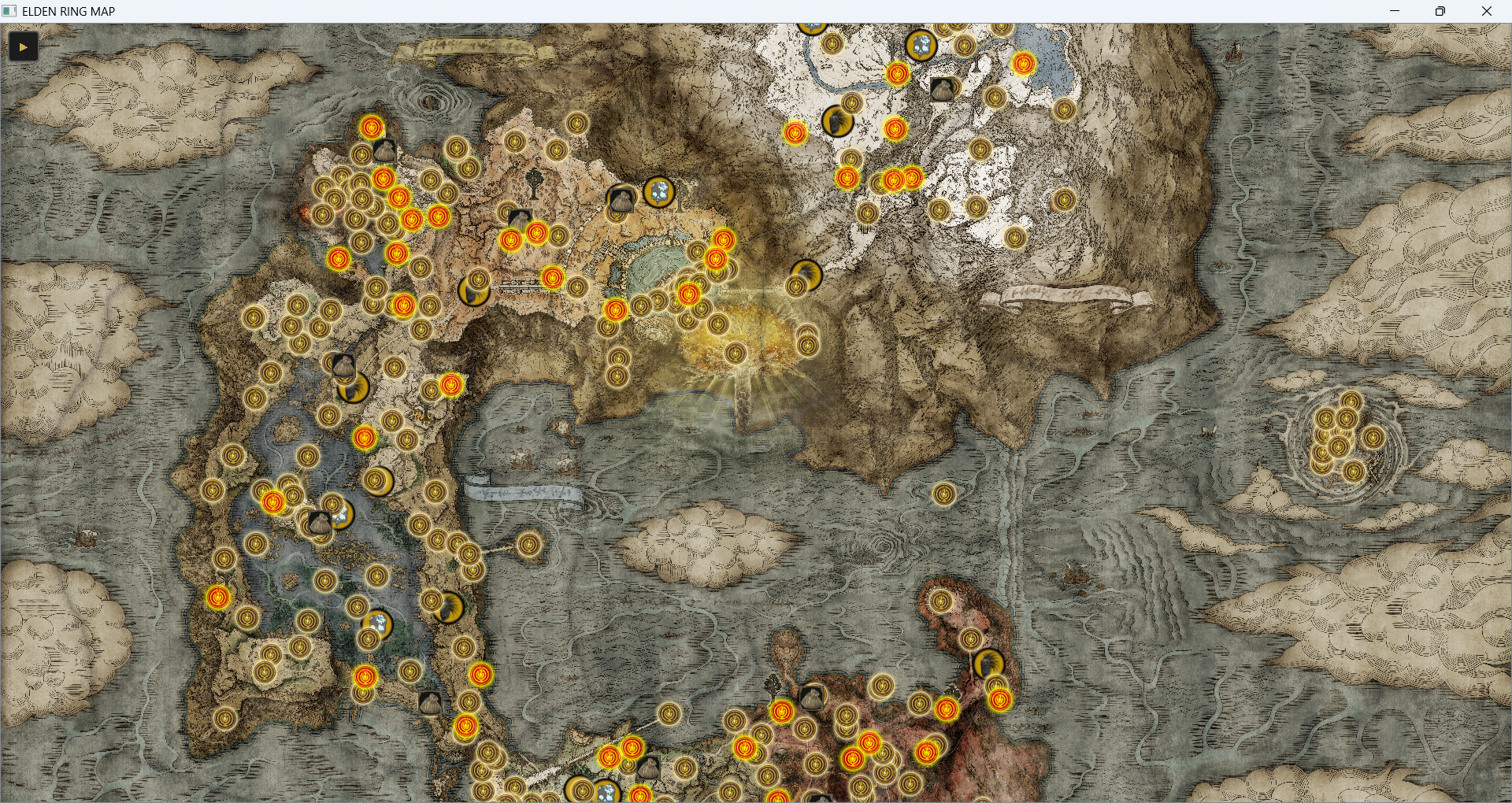
A lightweight, offline-first interactive map application for Elden Ring. Designed for players who want a fast, clutter-free, and distraction-free navigation tool without relying on browser-based maps.
## Development Status
Please note that this application is currently under active development. This release is an early version designed to gather community feedback. This is not the final product; further features, optimizations, and improvements are planned. Your constructive feedback and bug reports are highly appreciated as they help shape the future of the tool.
**Planned Features:**
* Markers and tracking for Key Items.
* Boss locations and dedicated tracking.
## Features
* **Offline Access:** No internet connection required. Runs completely locally.
* **Lightweight:** Low memory footprint compared to bloated web-based alternatives.
* **Custom Profile Management:** Save your progress, mark locations, and switch between multiple profiles seamlessly.
* **User-Friendly UI:** Simple navigation, clean layout, and intuitive controls built with PyQt5.
* **Fast Loading:** Instant map switching without waiting for web page elements to render.
## Requirements
* **OS:** Windows 10 or Windows 11.
* **Installation:** No installation required (Portable).
## Installation
1. Download the archive.
2. Extract the contents to any folder on your computer.
3. Run `EldenMap.exe` to launch the application.
## How to use
* **Navigation:** Use your mouse to pan and zoom on the map.
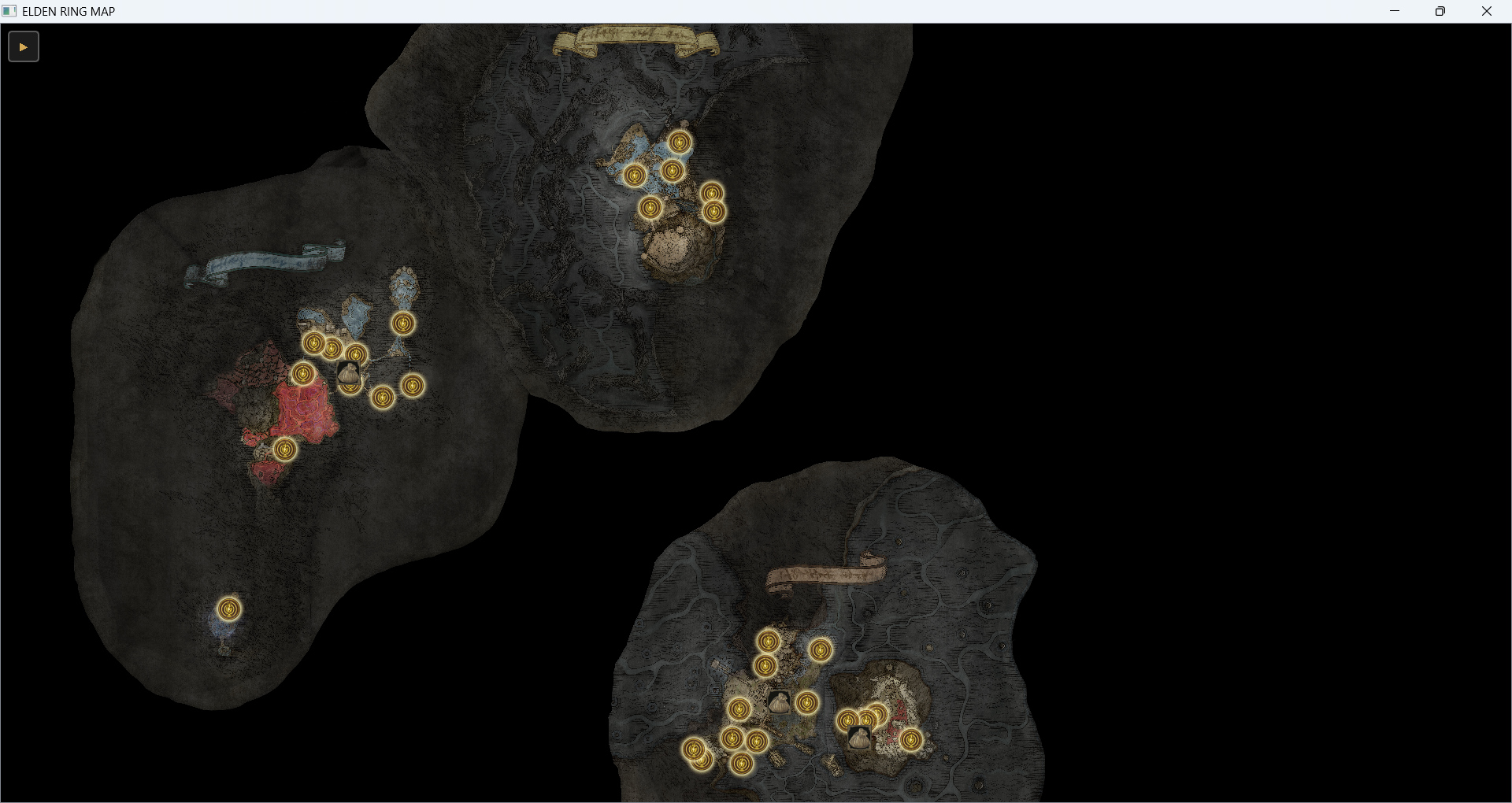
* **Switching Layers:** Use the interface buttons to toggle between different map regions or data layers.
* **Profiles:** Create or switch profiles via the menu to track different playthroughs independently.
* **Settings:** Your configuration is automatically saved in `settings.json` within the application folder.
* **Markers:** Use right-click to create custom markers.
Download
Development log
Leave a comment
Log in with itch.io to leave a comment.